Simulated missions and Return to Launch
Get to know missions, flight modes and return-to-launch conditions
L01 · Experiment guide
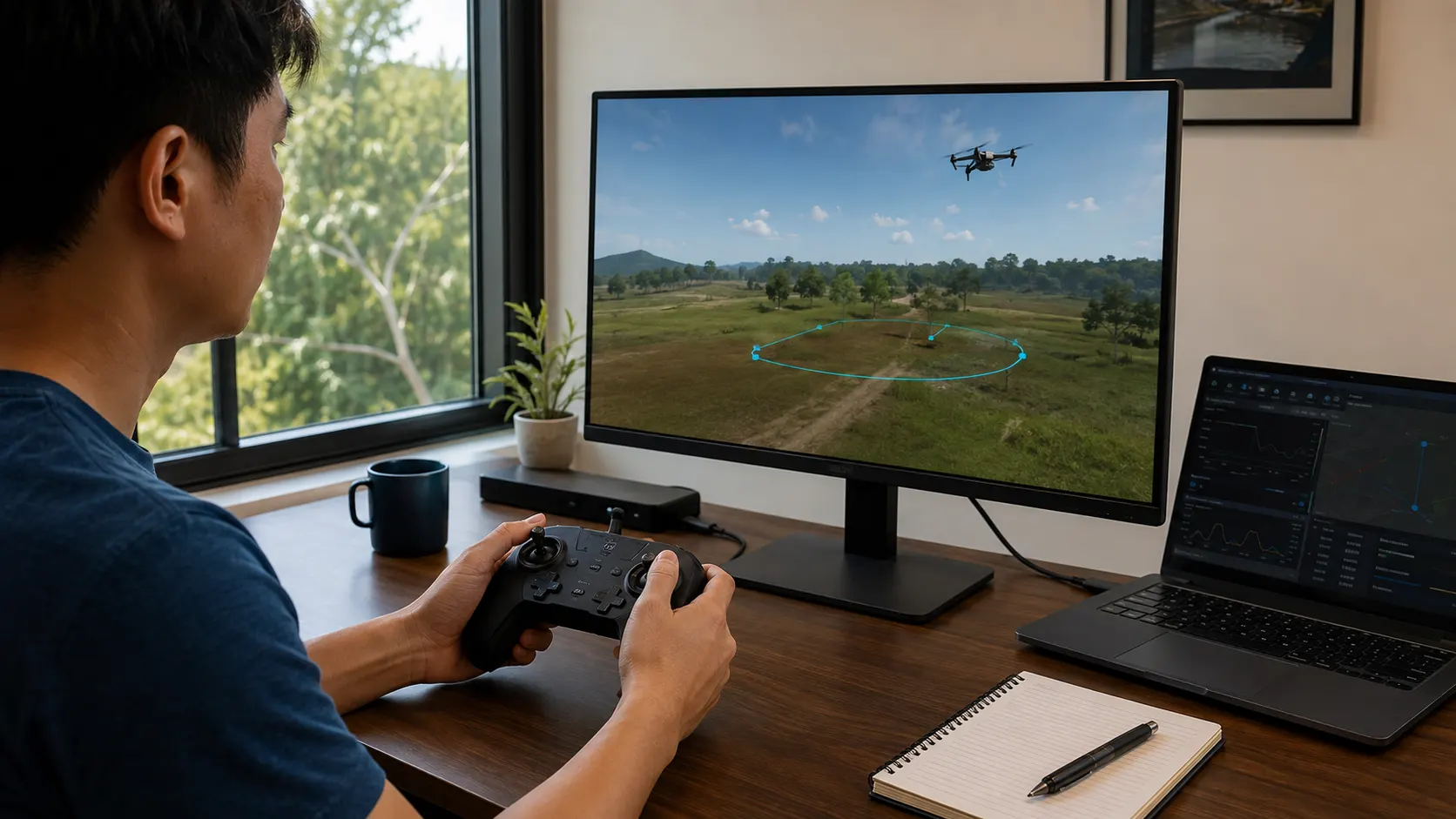
Get to know missions, flight modes and return-to-launch conditions
Read the principles: fundamentals and flight simulation
What to prepare
A PC that can run SITL; no real flight controller connected
ArduPilot SITLQGroundControlMission Planner
Choose installation steps that match Windows/Linux and pin the version according to the upstream guide. This item is still an experimental task, not a record of results that have already run successfully
Experiment sequence
- Choose ArduPilot SITL and a GCS for your OS from the tool guide; record the version and vehicle type
- Create a short waypoint route in the simulated area; save the mission and parameters before starting
- Run the mission, command RTL in the simulator, then read the mode/position sequence from the log
- Repeat with the same mission and compare the return point and time taken
Results to keep
Mission file, parameter snapshot, log and route plot
Checking understanding and results
Able to start and finish the mission and explain the modes that occurred from the log
Scope of interpretation
Simulation results do not certify the RTL behaviour of a real aircraft
Used in courses
UAT 201 Fundamentals of Unmanned Aircraft SystemsUAT 304 UAS Mission Planning and Autonomous FlightUAT 312 Mission Planning, Autonomous Operations and Beyond Visual Line of SightUAT 460 UAS for Public Safety, Search and Rescue, and Emergency Management
How to cite this page
Drone Institute, Rangsit University. (2026). Simulated missions and Return to Launch. In UAS Technology Knowledge Hub (B.Tech.). https://rsu-uat.pk-research.work/en/kb/labs/l01/