Jupyter Notebook
Jupyter Notebook: build an experiment notebook that combines input/version/charts/conclusions and export a report, with Windows/Linux usage notes and licence terms
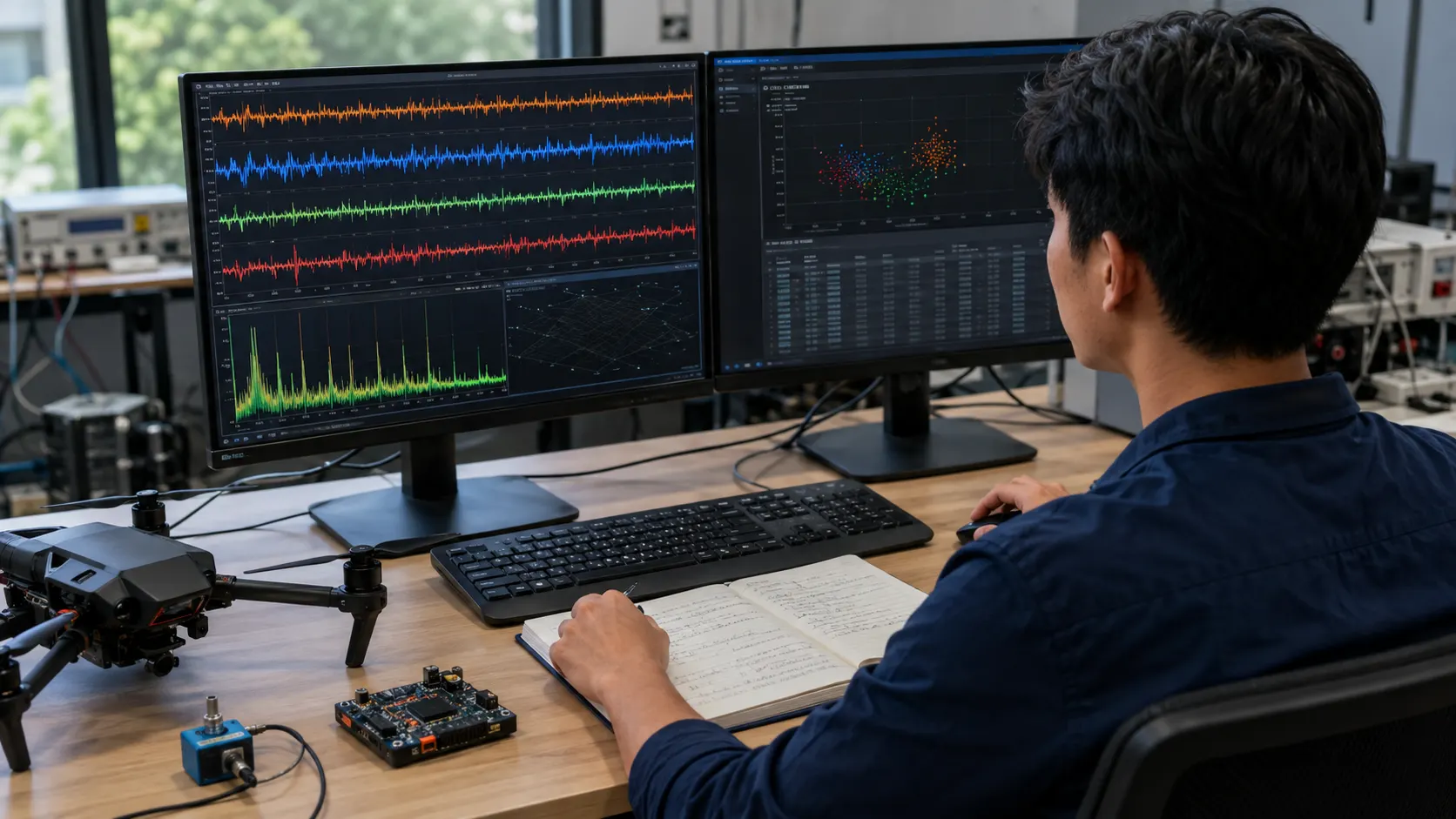
Build an experiment notebook that combines input/version/charts/conclusions and export a report
Testing and results analysis · OSS
- Windows
- Windows: Python/browser local
- Linux
- Linux: Python/browser local
- Licence
- BSD-3-Clause · Read the terms at the original source
- Hardware extensions
- All categories / reproducible analysis
- Source checked
- · documentation reviewed, not yet test-run
Before you start experimenting
A local browser is not the same as the cloud; read a downloaded notebook before running it
GitHub is the source-code repository. Follow the project's installation guide first; if a binary or package is available, choose the one for your system. Using Code → Download ZIP may omit required submodules or Git LFS data.
Check the licence of the chosen version, including dependencies, model weights and datasets separately. Software terms of use do not automatically cover every image and data item.
Exercises that use this tool
- Comparing propulsion setsSee the effect of payload on thrust/current/endurance estimates
- Aligning multispectral imagesUnderstand band alignment and radiometric correction
- Camera calibration with sample imagesEstimate the camera matrix and distortion
- Interpreting endurance test resultsChoose the hypothesis direction and separate the mean from per-flight confidence