Picamera2
Picamera2: the PC baseline uses OpenCV + image files; the extension step uses Pi capture and compares exposure, with Windows/Linux usage instructions and licence terms
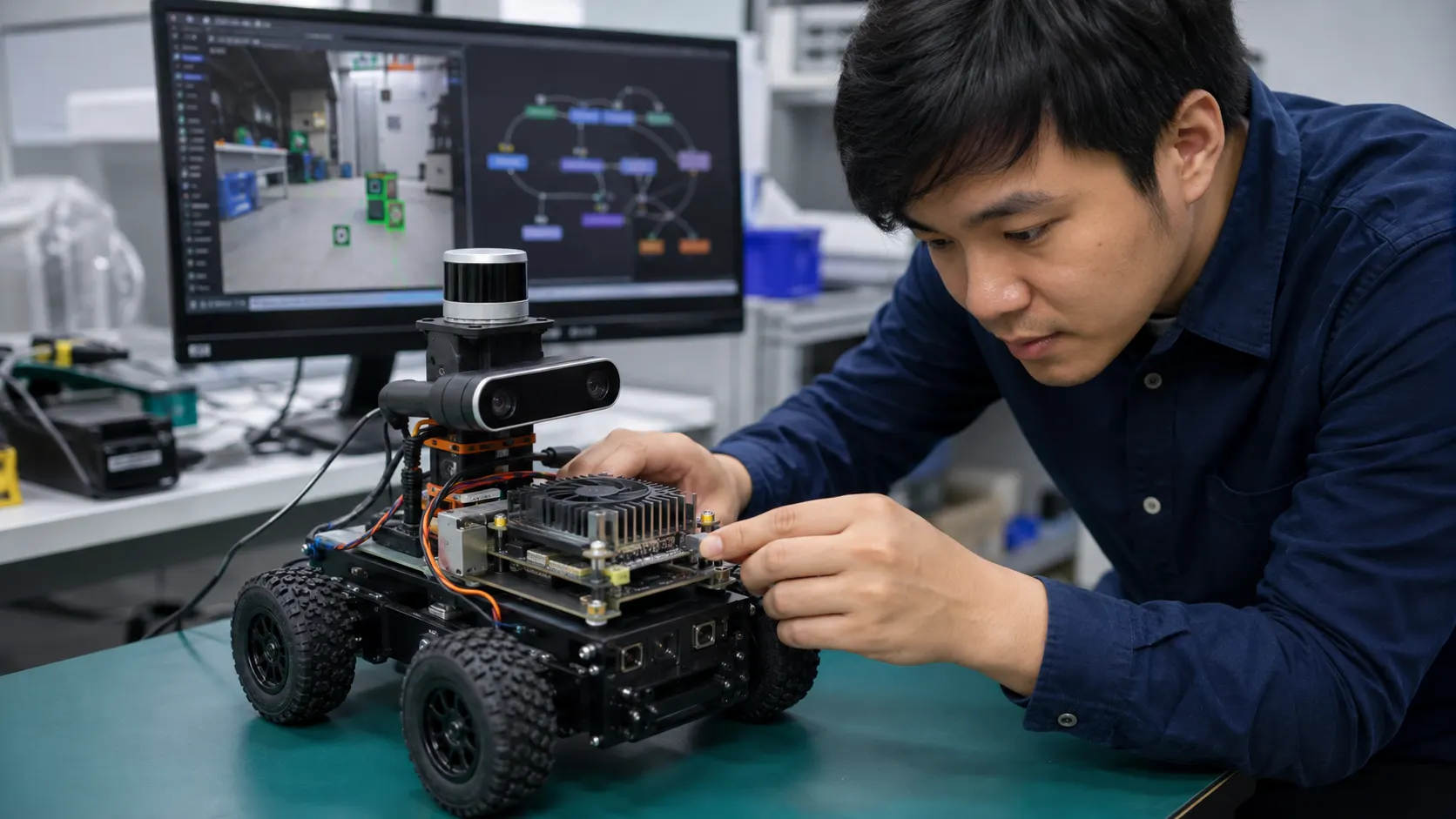
The PC baseline uses OpenCV + image files; the extension step uses Pi capture and compares exposure
Computer Vision and Edge AI · OSS; requires hardware
- Windows
- Windows: read the code/process images instead; the capture API is not PC-native
- Linux
- Linux: Raspberry Pi OS and a supported camera
- Licence
- BSD-2-Clause · Read the terms at the original source
- Hardware extension
- Raspberry Pi / CSI camera
- Source check
- · Documentation checked; not yet test-run
Before you start
Not a Raspberry Pi camera emulator; a Pi is required to test real capture
GitHub is the source-code host. Follow the project's installation guide first; if a binary or package is available, choose the one that matches your system. Using Code → Download ZIP may omit submodules or required Git LFS data.
Check the licence of the selected version, including dependencies, model weights and datasets separately. The software's terms of use do not automatically cover every image and data item.
This item is a hardware extension step. On a PC, start with OpenCV or ONNX Runtime on image files first, then measure capture/processing on the actual board