Training and evaluating object detection
Object detection must predict both the class and the location of objects. IoU is the overlapping box area divided by the combined area and helps match predictions to ground truth, while the mAP of evaluation systems also incorporates ranking and multiple conditions and is not the same as image-level accuracy
A02 · Exercises and case studies
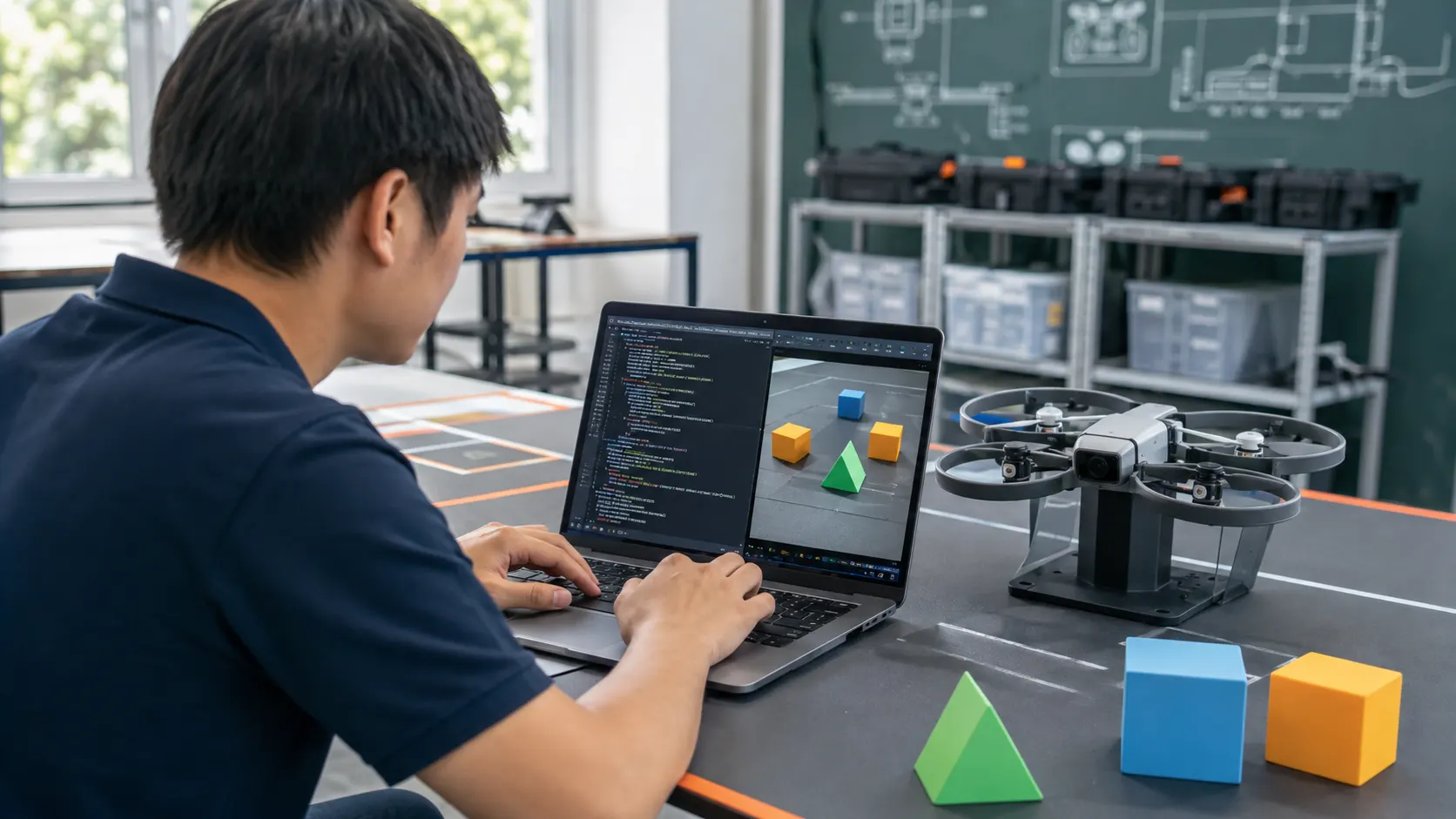
Object detection must predict both the class and the location of objects. IoU is the overlapping box area divided by the combined area and helps match predictions to ground truth, while the mAP of evaluation systems also incorporates ranking and multiple conditions and is not the same as image-level accuracy.
The train/test/export ONNX steps and runtime comparison were checked with synthetic images on Windows and Ubuntu/WSL and passed. Not yet tested on real drone images, and no field-ready model is available.
Before you begin
Use a Windows or Linux computer, read CSV files with a spreadsheet program or text editor, and save your work files separately from the originals. The basic Python set uses the standard library; the actual AI programs and simulators have separate installation steps.
By the end of this lesson
- Train a baseline and experiment with tuning without using the test set to choose values
- Export the model with preprocessing, labels and an error report
Task and hands-on steps
Start with a single class, “parcel”, using rights-checked images and the split from A01. Record the baseline before changing any one value. The practice.py set contains only synthetic boxes to help you understand IoU; it does not train a model for you.
Extract the ZIP, then open A02-guide.md and A02-worksheet.csv . Keep assumptions and verified results separate. A blank in the worksheet means data still has to be collected, not that it has passed.
- Run python practice.py boxes: compare box [0,0,10,10] with [5,0,15,10], and identical boxes.
- Create a separate environment, check compatible Python/PyTorch/Ultralytics versions and licences, then write a data.yaml referring to your own train/val/test.
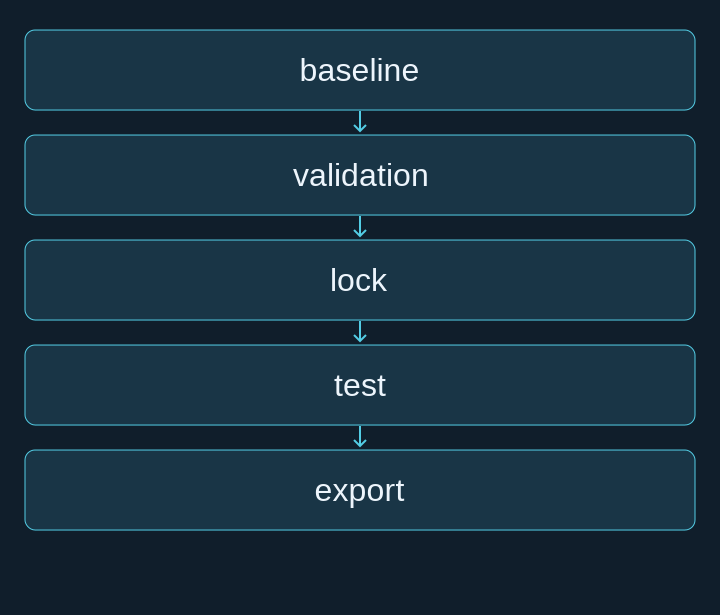
- Train a baseline on CPU using the example commands below, keeping the config and seed; use validation to review false positives/false negatives and change only one factor.
- Lock the model and threshold before evaluating on test, keep erroneous boxes and the data scope, then export ONNX with labels/preprocessing and compare sample inference.
Example command sequence for a prepared environment
See AI-workflow.md in the ZIP to create data.yaml and record versions. The commands use paths on the learner’s own machine and require rights-checked images/labels. Choose an environment supported by the framework before installing.
yolo detect train model=yolo26n.pt data=data.yaml epochs=20 imgsz=640 device=cpu workers=0 seed=42 project=runs name=baseline
yolo detect val model=runs/baseline/weights/best.pt data=data.yaml split=val
# Lock all decisions before using test
yolo detect val model=runs/baseline/weights/best.pt data=data.yaml split=test
yolo export model=runs/baseline/weights/best.pt format=onnx imgsz=640
20 epochs is an example starting point, not a criterion that training is sufficient. The first command may download weights from the provider; check the licence and source before running. If you use a different model version, adjust the name and check that version’s documentation.
Deliverables and assessment criteria
Submit: a model bundle and an evaluation report
Key criteria: evaluate on test after locking decision values; keep config/versions/errors; inference can be run from the bundle
Attach files that can be opened for checking, with dates, data versions and reasons when a conclusion cannot yet be drawn. Completing the worksheet does not replace experimental results with a model or equipment, or a real skills assessment.
Open the model answer after completing the worksheet
The overlapping boxes have an intersection of 50 and a union of 150, so IoU=1/3; identical boxes have IoU=1. Scores for hypothetical boxes are not real model quality. If the test set has leaked data, stop reporting the score as an independent result.
Try the verified program pipeline
The ZIP contains framework-README.md and framework-smoke.py , which create 16 rectangle images, train for 1 epoch, export ONNX and compare the raw output with PyTorch. Verified on Windows 11/Python 3.14.3 and Ubuntu/WSL/Python 3.12.3 with CPU.
Uses Ultralytics 8.4.144, PyTorch 2.14.0+cpu and ONNX Runtime 1.29.0; see the report and dependency versions in the download set. This result confirms only the program steps; the model after 1 epoch still detects poorly, and this is not an evaluation on real drone images.
python framework-smoke.py --output my-smoke-runThe environment must be prepared according to the README before running. The timing in the report measures only ONNX on 64×64 images prepared in memory, excluding the camera and communication.
Activity plan for instructors
Have learners submit a model bundle and demonstrate inference on another machine, citing the environment actually used. The instructor checks that testing was done after locking and that test images were not used for tuning.
Review question: did the score improve because the model improved, or because test data leaked?
| Learning set | Explanation | Practice | Assessment | Including equipment stations |
|---|---|---|---|---|
| AI and drones: from images to model experiments | 225 minutes | 495 minutes | 180 minutes | 0 minutes |
Equipment station time is part of the total time in the plan and is not added again. The instructor separates PC results from observed tasks and has each learner explain their work individually before opening the model answer.
See the full-sequence activity arrangement and foundation extensions →Bibliography and scope of references
Additional sources checked 9 September 2569 (2026). Hypothetical cases, numbers, worksheets and activity criteria were newly compiled by PK-Research.
- Ultralytics, Model Training
Training commands and CPU parameters; the dataset and rights must be chosen to suit the project
- Ultralytics, Model Validation
Object detection evaluation; the practice IoU does not replace the framework’s mAP
- Ultralytics, Model Export
ONNX export; compatibility depends on version, model and runtime
- Ultralytics, Licensing
Check AGPL-3.0 or Enterprise to match the intended use; weights and this software are not included in our ZIP