Dropping and restoring a simulated link
Record behaviour when telemetry is lost
L10 · Lab guide
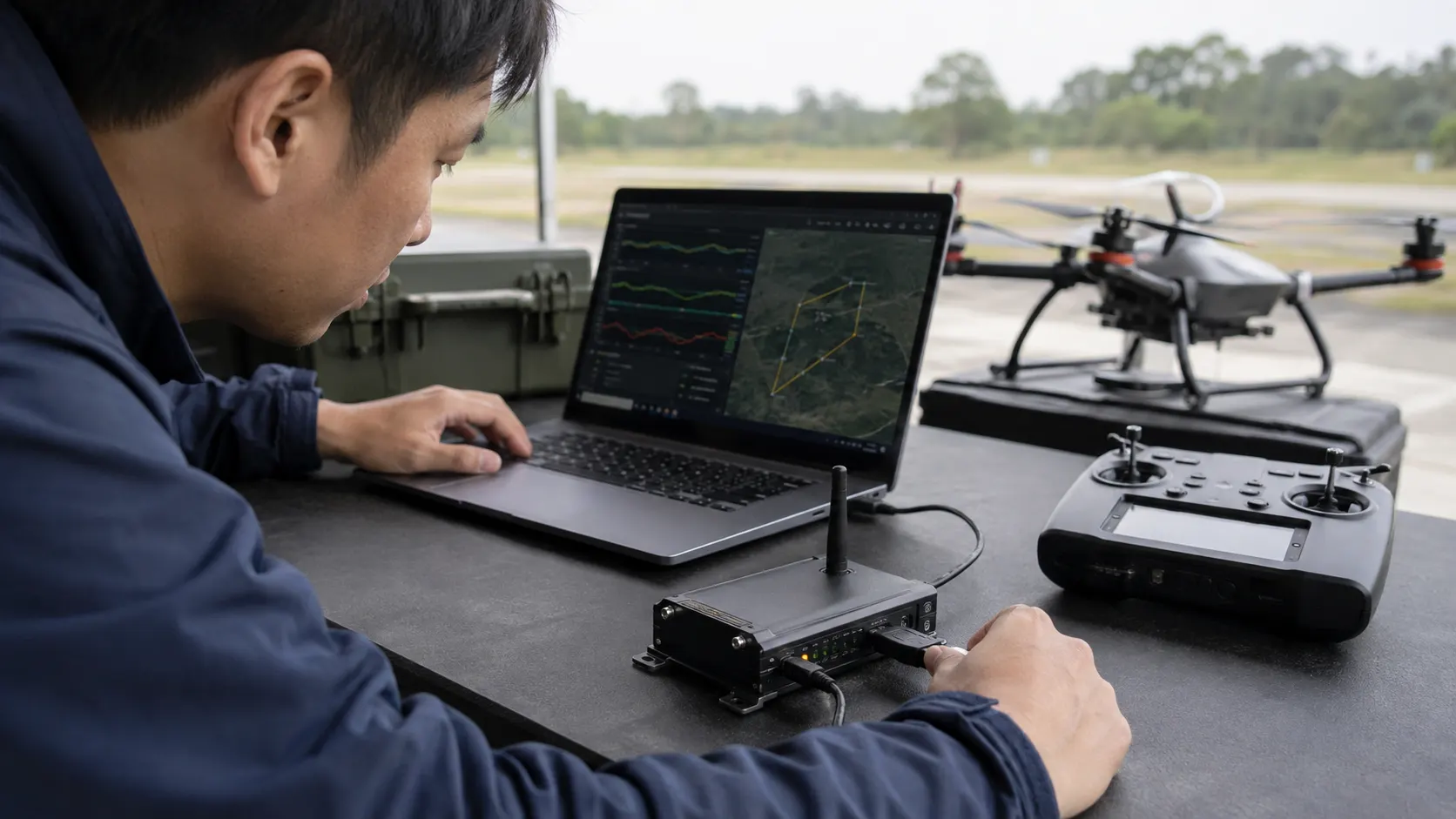
Record behaviour when telemetry is lost
Read the principles: communications and MAVLink
What to prepare
Able to complete L09; use SITL, kept separate from real hardware
ArduPilot SITLMAVProxy + MAVExplorerWireshark
Choose the installation steps that match Windows/Linux and pin versions according to the upstream manual. This list is still an experimental exercise, not a record of results that have already been run successfully
Experiment sequence
- Start SITL/GCS and record a baseline of telemetry reception
- Stop forwarding of the simulated telemetry according to the manual, recording the time it was stopped
- Re-enable forwarding and record the reconnect time together with the mode shown
- Check the log to see whether the stopped link triggered the configured failsafe
Results to collect
event timeline, parameter snapshot and log
Check understanding and results
Can distinguish telemetry loss, GCS failsafe and RC loss
Limits of interpretation
Do not infer that every kind of telemetry loss causes RTL; it depends on the configuration
Used in courses
UAT 201 Fundamentals of Unmanned Aircraft SystemsUAT 207 Communication and Data Network SystemsUAT 305 Autopilot and Control TechnologyUAT 322 Artificial Intelligence and Autonomous Unmanned Aircraft Systems Integration LaboratoryUAT 402 Advanced UAS Technology and BVLOS Operations
How to cite this page
Drone Institute, Rangsit University. (2026). Dropping and restoring a simulated link. In UAS Technology Knowledge Hub (B.Tech.). https://rsu-uat.pk-research.work/en/kb/labs/l10/