Checking conditions before applying to operate
Organise mission data and check restrictions on area, date and time, and type of operation from official sources.
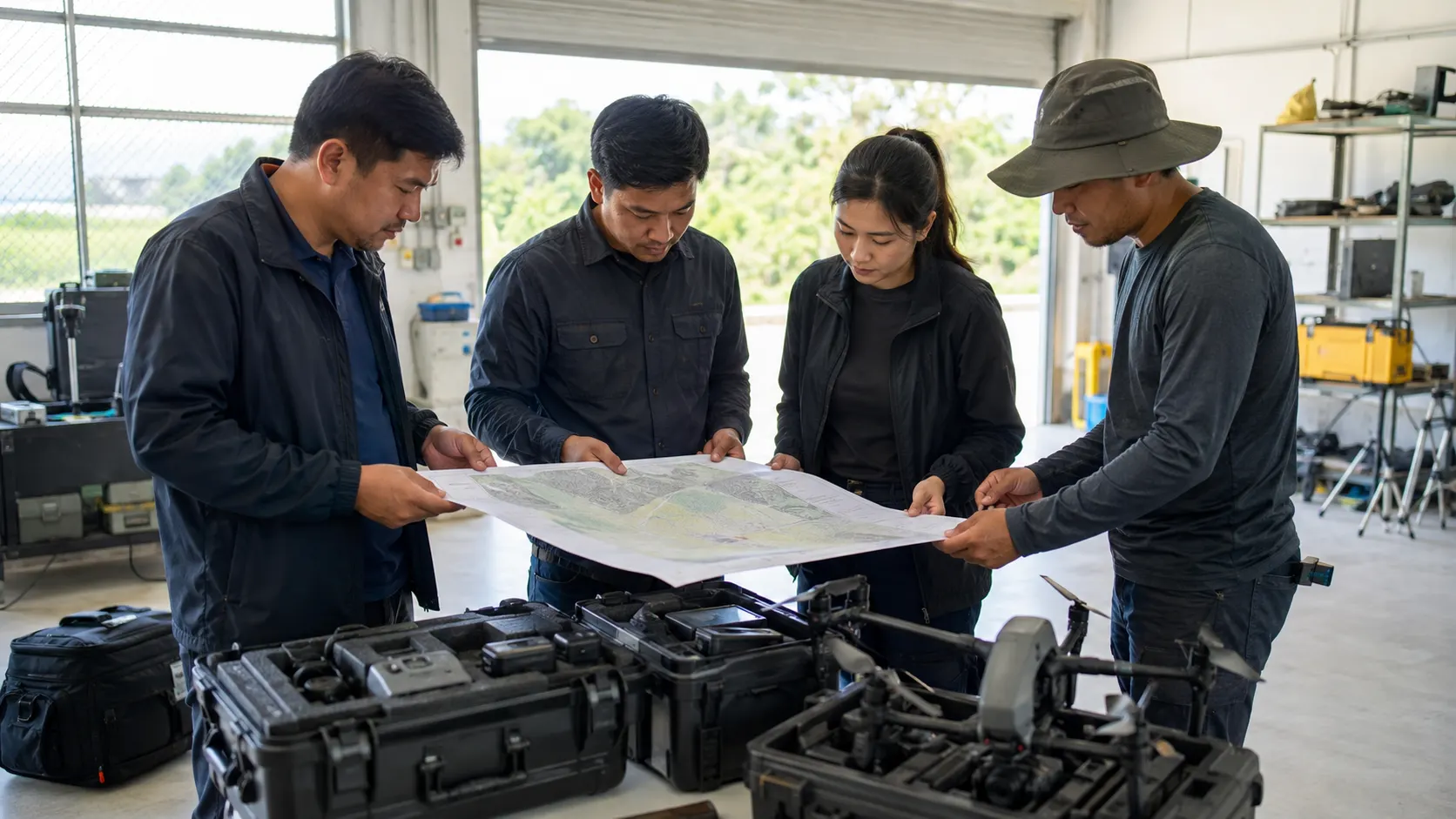
Registration and mission conditions are separate checklist items
Registration establishes status under that particular service, whereas a mission must be checked for area, date and time, aircraft, remote pilot and type of operation together. Information that was correct last month may not cover new notices, so the effective date of each notice should be kept alongside the date it was checked.
Prepare data so that coordinators share the same understanding
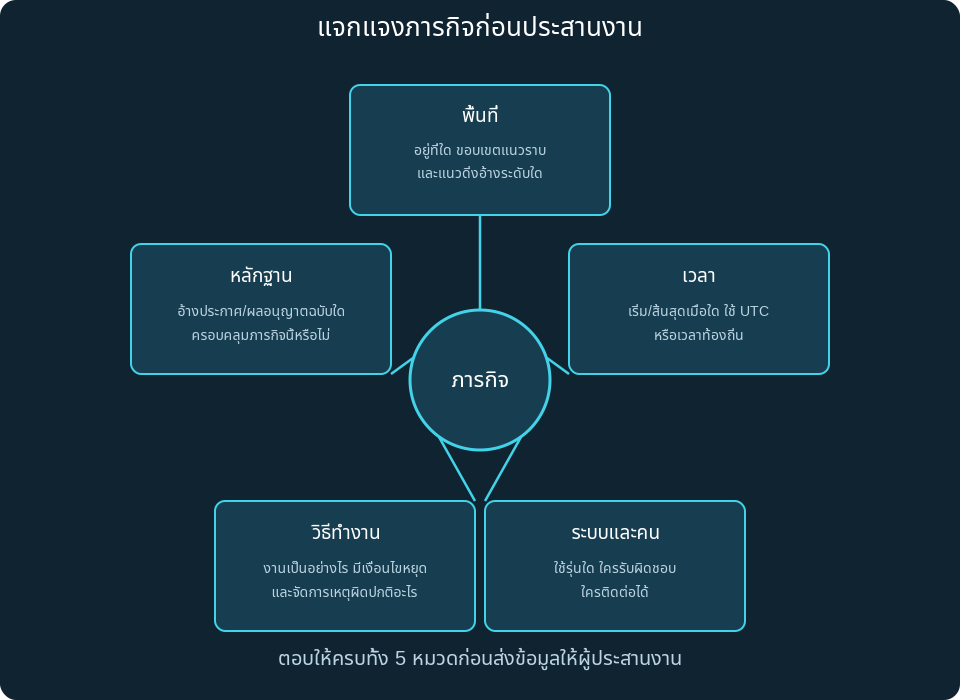
| Item | Question to answer |
|---|---|
| Area | Where is it, and what reference level are the horizontal and vertical limits based on? |
| Time | When does it start/end, and is UTC or local time used? |
| System and people | Which model is used, who is responsible, and who can be contacted? |
| Method of operation | What does the operation involve, and what stop conditions and abnormal-event handling apply? |
| Evidence | Which notice/permission is cited, and does it cover this mission? |
Read data sources as a set
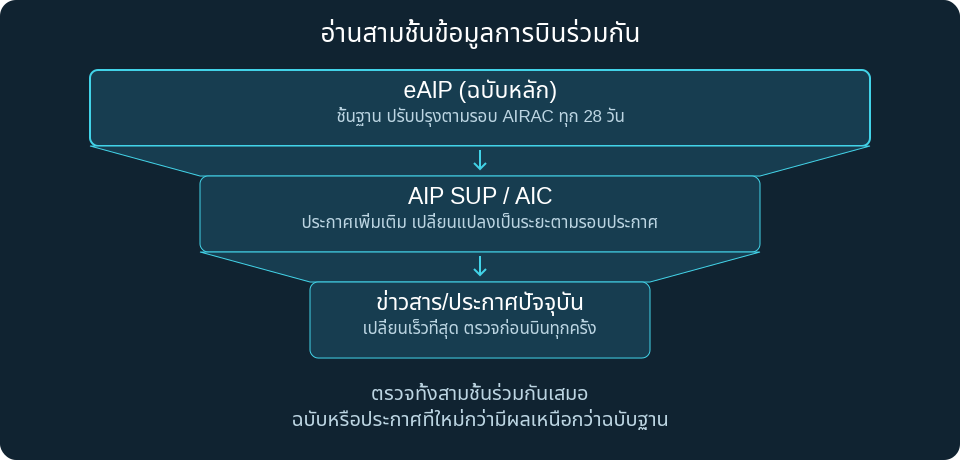
Open the eAIP edition that is currently effective, and check the relevant sections together with AIP SUP/AIC and current notices through official channels. Do not rely solely on a map image from a slide or colours in an app to decide that flight is permitted. Areas on a map still require reading the vertical details, times and accompanying conditions.
For types of operation that require specific permission, use the CAAT guidance and services that match the case. Do not infer from previous missions or from other people's permissions.
Practise checking for gaps
Hypothetical example: there is a map and an area letter but no date and time specified. Mark it as 'incomplete data' and request that it be filled in before checking other conditions. Leaving a blank with a responsible person assigned is better than entering unknown values.
Do the mission preparation exercise →
References and scope
Data sources checked 7 September 2026 (B.E. 2569). Compiled with knowledge kindly provided by DTI.
Connecting knowledge with missions and data
Check the requirements affecting the actual area, time and nature of the work, including temporary notices, before making decisions. Colours on a map or having a registration do not constitute permission in every case. Foreign examples must state their jurisdiction and must not be carried over as Thai legal requirements. Read the reference: CAAT, eAIP Thailand
Check your understanding: write a list of mission data used to check permissions, and record an awaiting-confirmation status where there is no evidence yet. Do not enter 'permitted' based on guesswork.
Read next: chapters that apply this knowledge in simulation work · Sources reviewed 26 September 2026 (B.E. 2569)