Choosing and comparing drone simulators
Search, filter and compare tools by goal, together with supported systems, licences and limitations
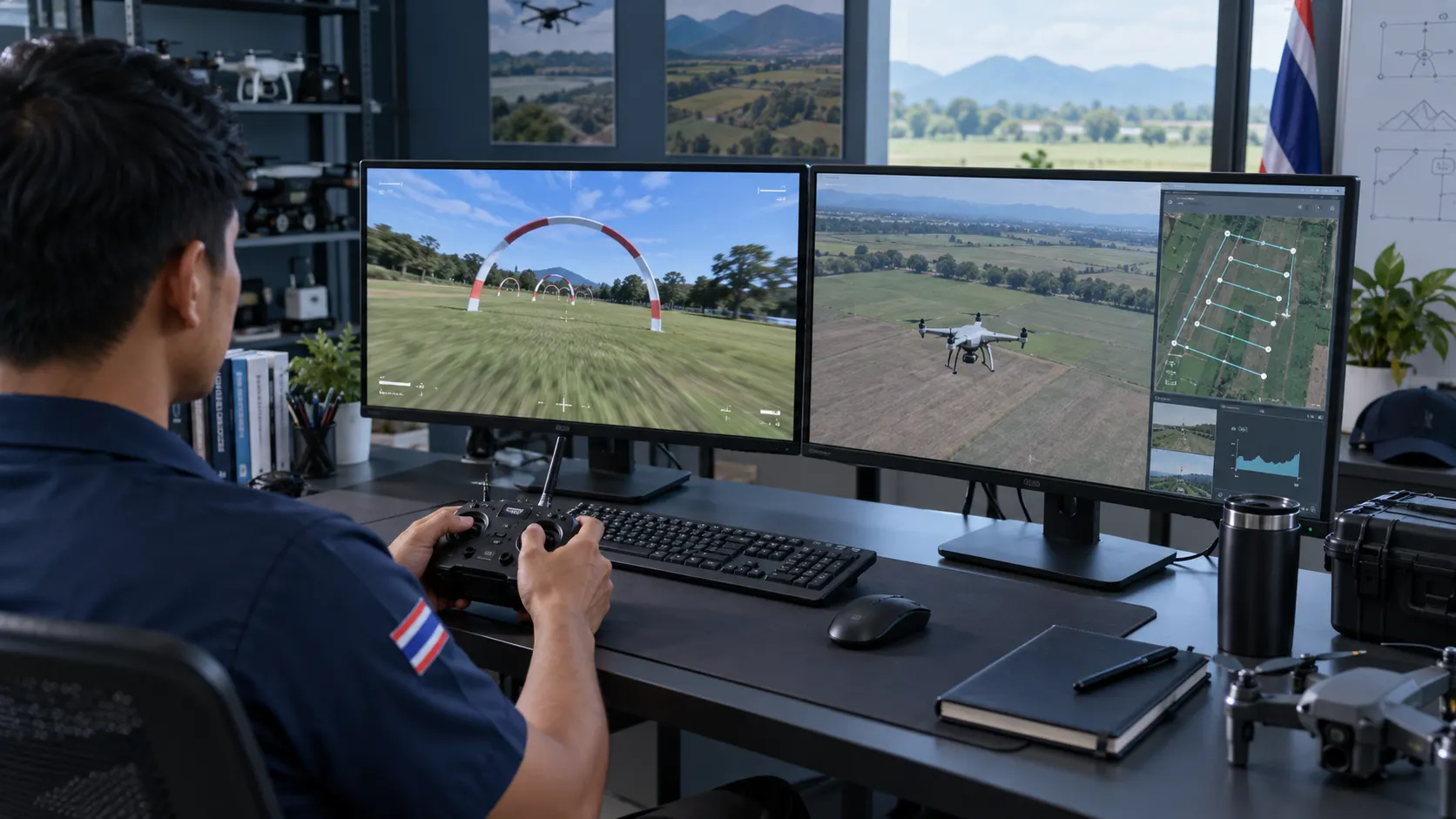
Search and compare options
Documentation checked 23 September B.E. 2569 (2026) · software and transmitters were not test-run in this round
10 items in total
See the table of items selected for comparison ↓
No matching items. Try changing the search term or clearing the filters
Gazebo + ArduPilot / PX4
Scenes, sensors and autopilot for mission experiments
Open source · Missions / Development and research / Line-of-sight flying
Systems, licence and limitations of Gazebo + ArduPilot / PX4
- Systems and installation
- Choose an Ubuntu/Gazebo/autopilot combination supported by the guide; on Windows consider WSL2 and test USB/graphics separately
- Cost
- No project licence fee; check each component
- Licence
- Gazebo Apache-2.0; ArduPilot GPL-3.0; PX4 BSD-3-Clause; check plugins separately
- Limitations
- Training exercises and an assessment system must be built additionally; not a ready-to-play FPV sim
Website / download Gazebo + ArduPilot / PX4 ↗ · Source documentation ↗
ProjectAirSim
Scenes and sensors for autonomy and Computer Vision experiments
Open source · Missions / Development and research
Systems, licence and limitations of ProjectAirSim
- Systems and installation
- Check the Windows/Linux build guide and toolchain for the chosen version
- Cost
- No project licence fee; engine/assets separate
- Licence
- MIT; engine and third-party assets have separate terms
- Limitations
- Integration and the APIs your work needs must be tested before choosing it as a base
RotorPy
Multirotor model for studying dynamics and control
Open source · Development and research
Systems, licence and limitations of RotorPy
- Systems and installation
- Python; check dependencies and installation on your own OS; not run on Windows/Linux in this round
- Cost
- No project licence fee
- Licence
- MIT
- Limitations
- Camera images in the documentation are non-photorealistic; not a ready-made transmitter training sim
gym-pybullet-drones
Python/Gymnasium environment for control and RL
Open source · Development and research
Systems, licence and limitations of gym-pybullet-drones
- Systems and installation
- Upstream tests Ubuntu 24.04; the Betaflight SITL example specifies Ubuntu
- Cost
- No project licence fee
- Licence
- MIT
- Limitations
- A training UI and transmitter connection must be developed additionally; some Python versions require building PyBullet
Website / download gym-pybullet-drones ↗ · Source documentation ↗
Flightmare
Separates rendering from dynamics for research
Open source · Development and research
Systems, licence and limitations of Flightmare
- Systems and installation
- Development setup per the README; check dependency versions before starting
- Cost
- No project licence fee; Unity/assets separate
- Licence
- MIT; also check Unity and assets
- Limitations
- Toolchain and example compatibility must be checked before starting new work
Colosseum, archived
For studying development continued from AirSim
Open source · Development and research
Systems, licence and limitations of Colosseum, archived
- Systems and installation
- Legacy systems per the README; newer OS versions are not stated to work
- Cost
- Study the existing code under its licence
- Licence
- MIT; engine/assets separate
- Limitations
- GitHub shows it archived on 11 Jul 2026; not recommended as a new base without a maintenance plan
Website / download Colosseum, archived ↗ · Source documentation ↗
VelociDrone
FPV racing/freestyle training and comparison of practice runs
Ready-to-train sim · FPV
Systems, licence and limitations of VelociDrone
- Systems and installation
- Check Windows/Linux and controller requirements on the vendor page
- Cost
- Commercial; see current editions for sale
- Licence
- Proprietary software under the vendor EULA
- Limitations
- Not an open-source base for modifying an autopilot or building sensor models
Liftoff: FPV Drone Racing
FPV training and customising the flight experience in the sim
Ready-to-train sim · FPV
Systems, licence and limitations of Liftoff: FPV Drone Racing
- Systems and installation
- Windows/SteamOS+Linux per the system list on Steam; test your actual transmitter
- Cost
- Commercial; price varies by store/region
- Licence
- Proprietary software under store and developer terms
- Limitations
- In-game features are not the same as an API for testing your own control system
Website / download Liftoff: FPV Drone Racing ↗ · Source documentation ↗
FPV SkyDive
Try racing/freestyle training and controller setup
Ready-to-train sim · FPV
Systems, licence and limitations of FPV SkyDive
- Systems and installation
- Windows/SteamOS+Linux per Steam; also check Steam's own requirements
- Cost
- Base game free-to-play; paid DLC available
- Licence
- Proprietary software, not open source
- Limitations
- Check whether the exercises or tools you need are in the base game or a DLC
RealFlight
RC training approach for line-of-sight flying and take-off/landing
Ready-to-train sim · Line-of-sight flying
Systems, licence and limitations of RealFlight
- Systems and installation
- Windows; check the software version and devices supported by the edition
- Cost
- Commercial; check the software edition and controller
- Licence
- Proprietary software under vendor terms
- Limitations
- Check that the purchased edition has the aircraft and drone modes you need; do not assume all editions are the same
Options being compared
Select up to 3 items; selected items remain even when filters change
On small screens, scroll the table left–right to see all columns
| Feature | Gazebo + ArduPilot / PX4 | ProjectAirSim | RotorPy | gym-pybullet-drones | Flightmare | Colosseum, archived | VelociDrone | Liftoff: FPV Drone Racing | FPV SkyDive | RealFlight |
|---|---|---|---|---|---|---|---|---|---|---|
| Suited to | Scenes, sensors and autopilot for mission experiments | Scenes and sensors for autonomy and Computer Vision experiments | Multirotor model for studying dynamics and control | Python/Gymnasium environment for control and RL | Separates rendering from dynamics for research | For studying development continued from AirSim | FPV racing/freestyle training and comparison of practice runs | FPV training and customising the flight experience in the sim | Try racing/freestyle training and controller setup | RC training approach for line-of-sight flying and take-off/landing |
| System | Choose an Ubuntu/Gazebo/autopilot combination supported by the guide; on Windows consider WSL2 and test USB/graphics separately | Check the Windows/Linux build guide and toolchain for the chosen version | Python; check dependencies and installation on your own OS; not run on Windows/Linux in this round | Upstream tests Ubuntu 24.04; the Betaflight SITL example specifies Ubuntu | Development setup per the README; check dependency versions before starting | Legacy systems per the README; newer OS versions are not stated to work | Check Windows/Linux and controller requirements on the vendor page | Windows/SteamOS+Linux per the system list on Steam; test your actual transmitter | Windows/SteamOS+Linux per Steam; also check Steam's own requirements | Windows; check the software version and devices supported by the edition |
| Cost | No project licence fee; check each component | No project licence fee; engine/assets separate | No project licence fee | No project licence fee | No project licence fee; Unity/assets separate | Study the existing code under its licence | Commercial; see current editions for sale | Commercial; price varies by store/region | Base game free-to-play; paid DLC available | Commercial; check the software edition and controller |
| Licence | Gazebo Apache-2.0; ArduPilot GPL-3.0; PX4 BSD-3-Clause; check plugins separately | MIT; engine and third-party assets have separate terms | MIT | MIT | MIT; also check Unity and assets | MIT; engine/assets separate | Proprietary software under the vendor EULA | Proprietary software under store and developer terms | Proprietary software, not open source | Proprietary software under vendor terms |
| Limitations | Training exercises and an assessment system must be built additionally; not a ready-to-play FPV sim | Integration and the APIs your work needs must be tested before choosing it as a base | Camera images in the documentation are non-photorealistic; not a ready-made transmitter training sim | A training UI and transmitter connection must be developed additionally; some Python versions require building PyBullet | Toolchain and example compatibility must be checked before starting new work | GitHub shows it archived on 11 Jul 2026; not recommended as a new base without a maintenance plan | Not an open-source base for modifying an autopilot or building sensor models | In-game features are not the same as an API for testing your own control system | Check whether the exercises or tools you need are in the base game or a DLC | Check that the purchased edition has the aircraft and drone modes you need; do not assume all editions are the same |
How to read the table
The list below separates “ready-to-train sims” from “development or research bases”. You can select up to three items to compare goal, operating system, licence and additional work required. The Linux filter means the documentation has Linux guidance; it does not confirm that every version or every distribution works
Purchase prices vary by country and edition, so the cost model is given and you should open the developer page instead of relying on a fixed price. This information was checked against documentation on 23 September B.E. 2569 (2026); the simulators were not run or benchmarked in this round
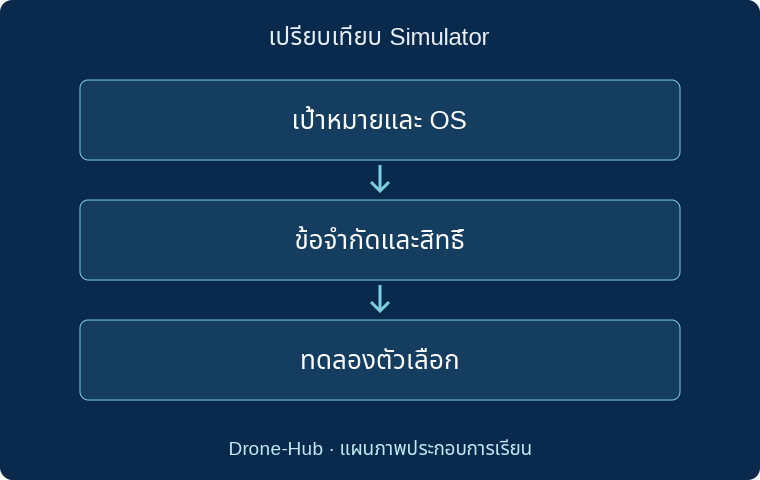
Three points to check thoroughly
- Check system versions and installation channels on the project owner's page; do not rely only on the phrase “supports PC”
- Test the actual transmitter and axis setup; a program that opens does not mean the controls work in the right direction
- Try the same scene with the same graphics settings and record the results before buying more equipment or choosing it as a development base
For example, FPV SkyDive has a free-to-play base game and add-on content, but it is not open code for developing a sim as you wish, while Colosseum has been archived, so it is shown for studying the legacy system with its status labelled
Decision exercise
Choose the goal “hand skills practice” or “research” and filter the results. Pick two items and write one thing you can do immediately and one thing that needs further development. If you cannot decide, state the missing evidence, such as a USB joystick guide or a supported Ubuntu version
Next, read Preparing the computer and Physics of simulation systems
Bibliography and original sources
Documentation checked 23 September B.E. 2569 (2026)
- FPV SkyDive: official Steam distribution
- Liftoff: official Steam distribution
- VelociDrone: official website
- RealFlight: publisher website
- ProjectAirSim: repository and licensing
- RotorPy: dynamics and examples
- gym-pybullet-drones: setup and examples
- Flightmare: research simulator
- Colosseum: archived repository