Getting started with payload missions and drone light shows
Learn from the payload of a single drone through to designing the paths, timing and lights of many drones, with guidance for computer-based experiments
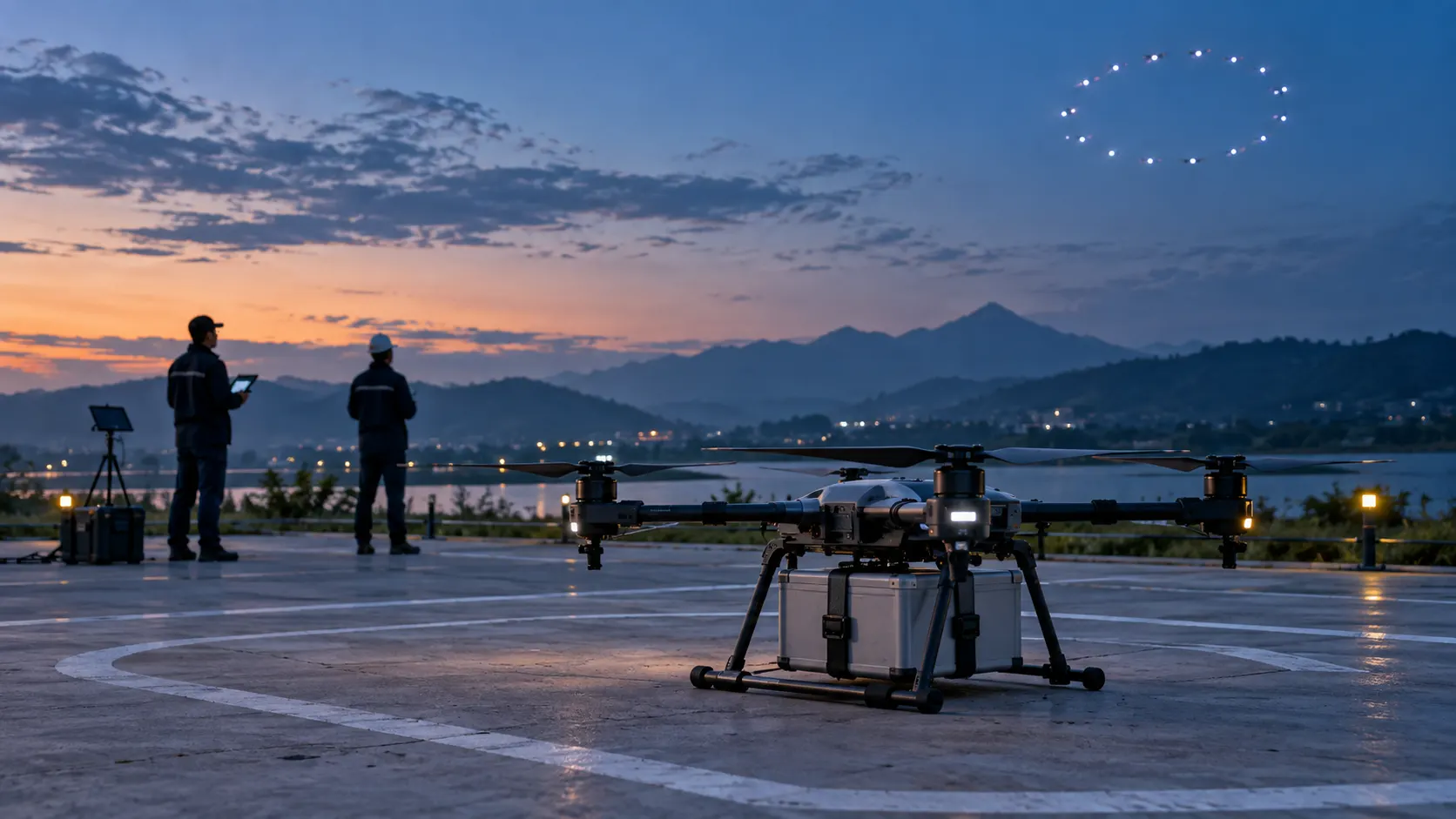
Learning one subject through two missions
Payload means what a drone carries to do its job, such as a camera, a parcel box or a lighting kit, while a Drone Show is the coordination of positions and lights of many drones over time. Both tasks require an understanding of mass, energy, paths and system limitations, so they can be studied in sequence.
This section contains lessons for self-study and for instructor-led activities. Start by calculating and reading data on a computer, then choose simulation software according to the task. There are no hardware or external simulator test results in this section yet . Photorealistic images are conceptual illustrations, and the example values are synthetic data for practising reading results.
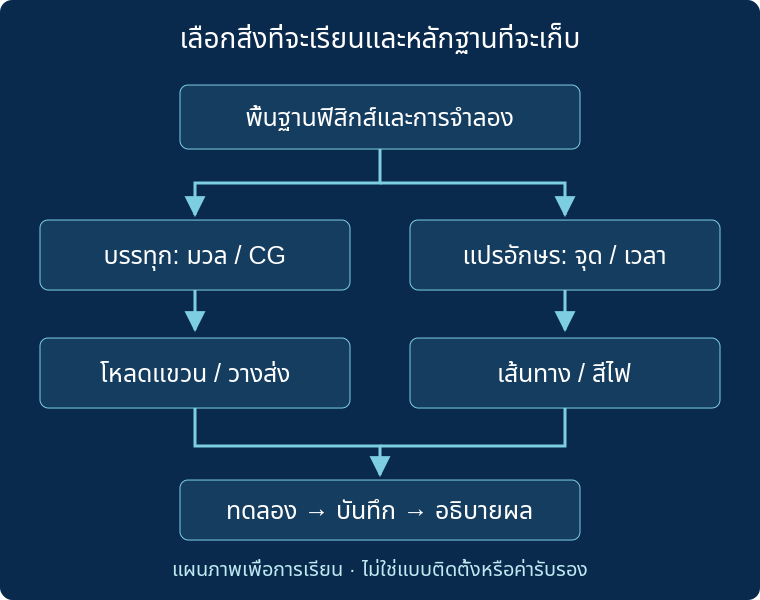
Choose a path based on what you need to demonstrate
| Path | Key question | Expected work product |
|---|---|---|
| Payload carriage and delivery | What happens when the payload is moved or added | A mass/CG table and a mission comparison plan |
| Drone light show | How should the desired image be turned into motion | A storyboard with paths, timing and constraints |
| Simulation system development | Which part computes forces and which part controls | A system diagram and a record of the versions used together |
It is recommended to read Simulator physics first if you are not yet familiar with forces and models. If you only need survey cameras, start with Payload and survey data quality
Separate what the screen can tell us
Animation helps check shapes and timing, but it does not tell you whether the motors can produce enough thrust. Dynamics calculations help check the response under the assumptions, while SITL brings the flight control software into the loop. For example, Crazyswarm2 has selectable dynamics settings, so the mode used must be recorded before interpreting results.
A pre-planned show is not the same as a swarm that makes its own adaptive decisions, and multiple drones jointly lifting a payload are coupled by forces through the cables, so specialized control must be studied further. Formation display paths should not be reused directly for such tasks.
Starter activity
Choose one mission and list three items each for inputs, what will be changed, and the evidence to be collected. The instructor asks learners to explain why a beautiful image is still not enough. The work passes when it separates “what is known from documents”, “what will be tested” and “what cannot yet be concluded”.
Topics in this section
- Weight and balance: calculate total mass and centre of gravity with examples whose answers can be checked, then design thrust and energy experiments
- Slung loads and delivery: understand tension and swinging, choose cable and load data, and follow a test sequence before adding a winch or ground contact
- Drone Show fundamentals: separate formations, paths, timing and light colours, and check the view from the audience's perspective before designing a show
- From image to paths: practise converting an image into points, assigning drones to targets and checking paths over time, including downwash constraints and errors
- Tools and system integration: choose the roles of Skybrush, ArduPilot/Gazebo and Crazyswarm2, with download channels, licences and limitations
- Exercises and assessment: design repeatable experiments, separate visual criteria from flight criteria, and read pass rates without claiming beyond the data
- Downloads and references: a collection of software from project owners, worked calculations, forms and research evidence, with scope of use
Bibliography and original sources
Documents checked 23 September B.E. 2569 (2026)