Version and configuration control
A configuration is the set of software versions, parameters, hardware and connection methods that makes experimental results interpretable. If several things are changed at once, it is hard to identify the cause of a change in results.
M03 · Exercises and case studies
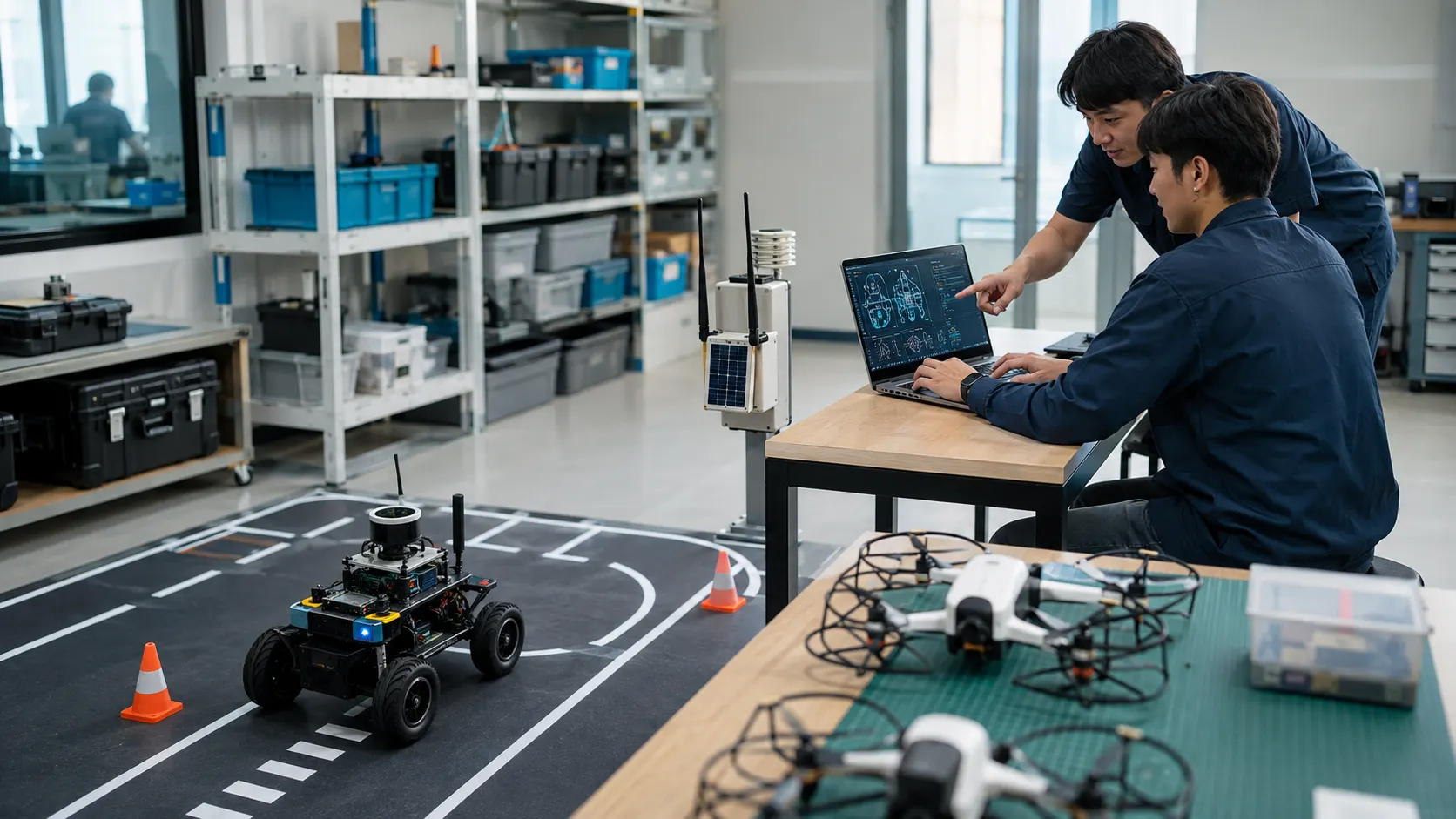
A configuration is the set of software versions, parameters, hardware and connection methods that makes experimental results interpretable. If several things are changed at once, it is hard to identify the cause of a change in results.
Before you start
Use a Windows or Linux computer, read CSV files with a spreadsheet program or text editor, and save your own work files separately from the originals. The basic Python kit uses the standard library; AI programs and real simulators have separate installation steps.
By the end of this lesson
- Create an inventory and record versions before changing the configuration
- Design backup, result verification and rollback procedures in a simulated environment
Problem and hands-on steps
In a hypothetical set, revision A uses firmware sim-1 and gain 0.5, while revision B uses sim-2 and gain 0.8. The responses differ, but the experimenter says the gain is definitely the cause.
Extract the ZIP, then open M03-guide.md and M03-worksheet.csv . Keep hypotheses separate from verified results. A blank in the worksheet means data must be collected, not that it has passed.
- Create a manifest stating the version, baseline files, date and hash from the practice copy
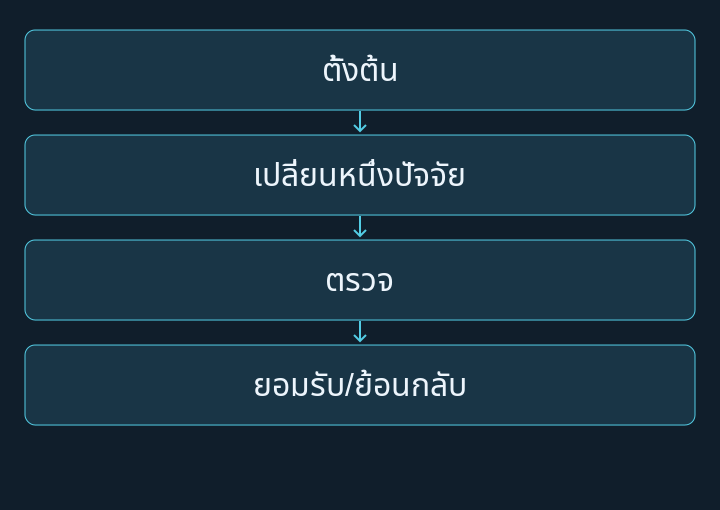
- Plan A → C, keeping firmware sim-1 and changing only the gain
- Define the values to measure, acceptance criteria and rollback conditions before testing
- Record before/after, who did the work, who checked it, and the actual results; separate proposed from verified
Assignment and assessment criteria
Submit: a configuration manifest and change record
Key criteria: before/after versions, a baseline copy, verification method and rollback conditions present; no commands used on a real drone without a manual
Attach files that can be opened for checking, with dates, data versions and reasons where conclusions cannot yet be drawn. Completing the worksheet does not replace test results with models or equipment, or real skills assessment.
Open the answer guide after completing the worksheet
A and B change two factors, so a single cause cannot be identified. Matching hashes confirm the files are identical; they do not confirm that the firmware is suitable for the equipment.
Activity plan for instructors
Advanced learners practise reviewing three related changes, writing the dependency order and a rollback plan that does not lose the baseline data
Review question: How would you know whether a result changed because of the firmware or a parameter?
| Learning set | Explain | Practice | Assess | Including equipment stations |
|---|---|---|---|---|
| Maintenance technician, foundation level | 90 minutes | 210 minutes | 60 minutes | 0 minutes |
| Maintenance technician, advanced level | 120 minutes | 270 minutes | 90 minutes | 120 minutes |
Equipment station time is part of the total time in the plan and is not added twice. Instructors separate PC results from the observed task, and have each learner explain their work individually before revealing the answer guide.
See the full-track activity arrangement and foundation extensions →Bibliography and scope of references
Additional sources checked 9 September B.E. 2569 (2026). Hypothetical cases, figures, worksheets and activity criteria were newly written by PK-Research
- ArduPilot, Software In The Loop
Real simulator source; our state machine example does not simulate flight dynamics
- NASA, Requirements Verification Matrix
Used to link requirements with verification methods; the worksheets and figures in this lesson are our own design