Getting started with drone simulation and flight training
Choose a path among FPV, line-of-sight flying, missions or system development before choosing equipment and software
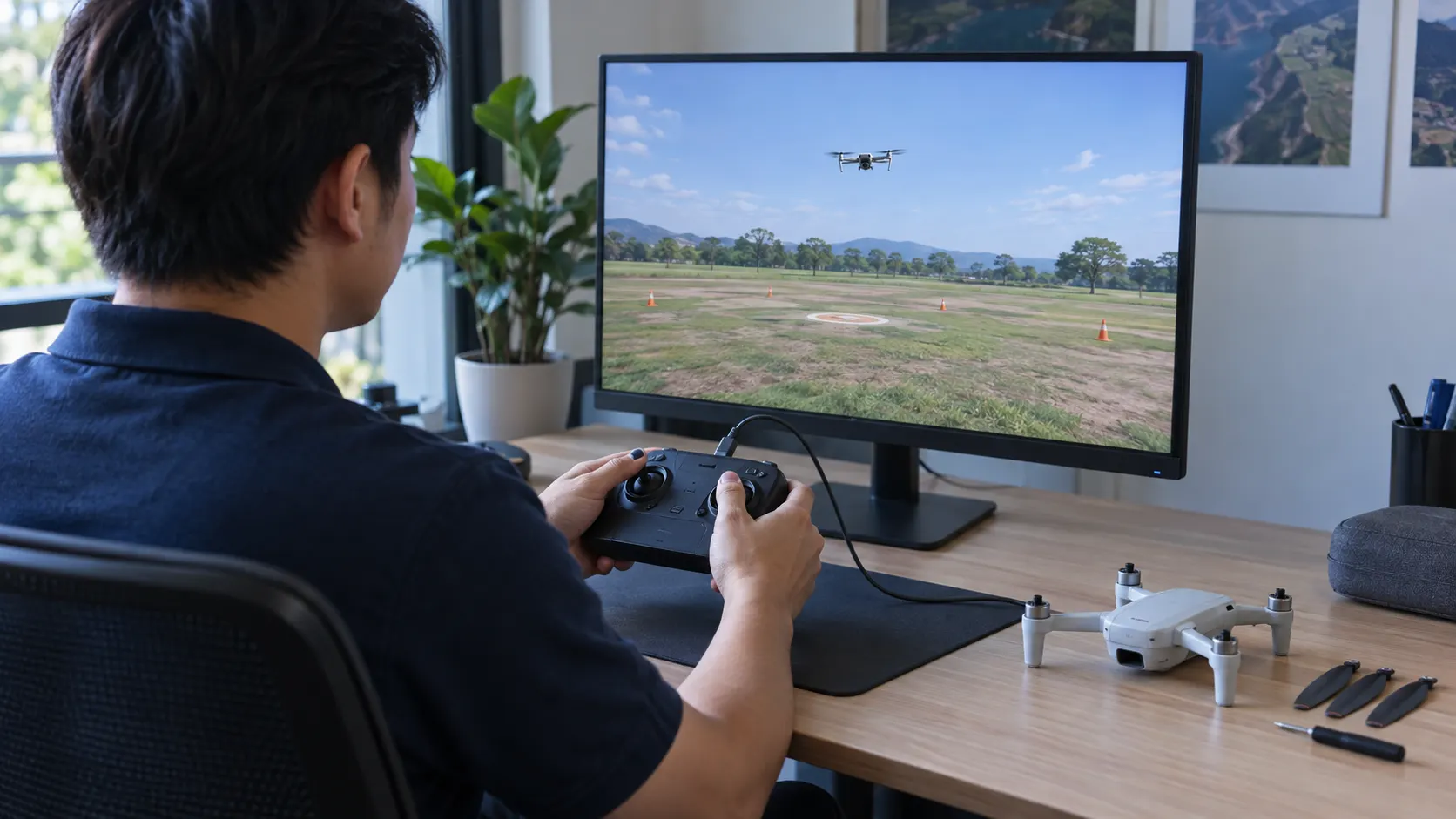
Start training on the web with DroneSim
Open DroneSim to choose between FPV drone design and assembly training, automated mission simulation, or field practice with Replay. Each mode has its own objectives, the drone set to build, steps, and guidance for beginners.
Choose the skill before the software
A simulator is a virtual environment that lets us experiment without launching a real aircraft, but each program is built for a different job. FPV shows the view through the onboard camera; line-of-sight (LOS) flying trains you to interpret orientation from the pilot's position; and SITL runs the flight control software on a computer together with an aircraft model.
Start with the question of whether you want to fly manually, plan missions or develop algorithms. Choosing on visual appeal alone may leave you with a tool that lacks the remote controller support, flight modes or logged data you need. See example scopes in ArduPilot SITL and VelociDrone
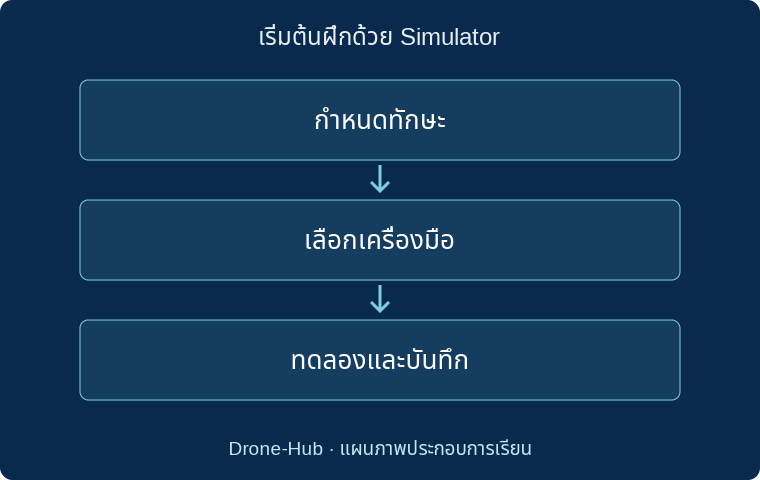
Learning paths to choose from
| Goal | Starting point | Learning evidence |
|---|---|---|
| Manual FPV practice | USB remote controller and a supported simulator | Record the mode, control axes and number of crashes |
| Line-of-sight practice | A simulator that can place the pilot viewpoint on the ground | Record errors when the nose points towards you |
| Mission testing | SITL and a ground control station | The planned route compared with the route in the log |
| AI or control systems research | A simulator with an API and the sensors you need | Scripts, software versions and reproducible results |
Passing simulated exercises does not confirm readiness for real flight. You must also review people and teams aviation law and the limitations of the real aircraft.
A first activity in 20 minutes
Write a one-sentence goal, such as 'I want to practise heading control without relying on position hold'. Pick two options from the comparison page, then note whether they support your OS, remote controller and required modes. If the evidence is unclear, record 'needs checking' instead of guessing.
The deliverable is a list of two options with reasons, limitations and source links. Start at Simulator comparison and then continue with Remote controllers and connections
Topics in this section
- Simulator comparison: search, filter and compare tools by goal, with supported systems, licensing and limitations
- Remote controllers and connections: distinguish radio protocols from USB joysticks, and set up axes and check directions before training
- Preparing Windows and Linux: check the OS, GPU, drivers, storage and environment before installing, and record test results
- Physics and realism: separate attractive visuals from models of force, mass, wind and latency, with methods for comparative testing
- Developing simulators and SITL: understand the roles of the autopilot, simulator, GCS and API before connecting them into a test system
- Training plans and assessment: step-by-step exercises with observation criteria and log files for self-study or instructors
- Downloads and references: official sources, licences and record templates for starting experiments
Bibliography and original sources
Documents checked on 23 September B.E. 2569 (2026)