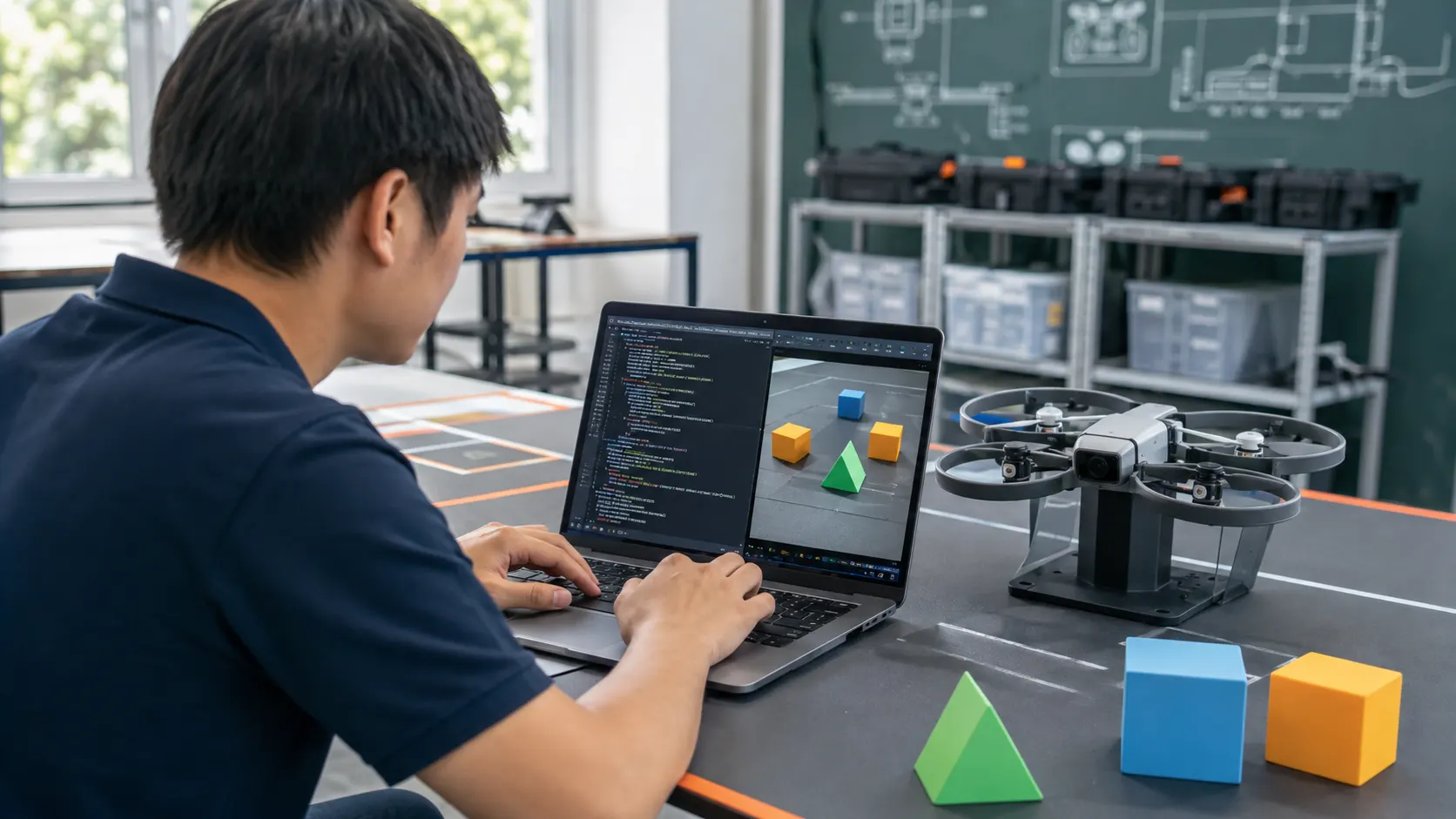
Recognise QR codes, travel lines, postures, symbol labels and objects with the camera (including AI-Apply functions), 11 blocks in total: Track QR Code [0-9] [n] seconds, Line [White/Black] patrol [n] cm, Recognize posture [posture], Recognize label [←→↑↓ / 0-9], Recognize image [Fist/Hand/Pedestrian/Hula/Book], [Front camera/Optical flow] Recognize [0-9] QR code, etc., with functions, conditions and usage examples
ConditionsImage transmission must be enabled first
ExampleRecognize posture Standing → fly follow
Recognize label [←→↑↓ / 0-9]
Recognise symbol labels
ConditionsCan recognise a single label or multiple copies of the same label
Recognize image [Fist/Hand/Pedestrian/Hula/Book]
Recognise objects
ConditionsSame as above
[Front camera/Optical flow] Recognize [0-9] QR code
Recognise number-only QR codes
Return the result of Recognize
Returns the recognition result
ConditionsAlways used together with a recognition block, if several blocks are chained, only the result of the last block is returned
Get [X/Y coordinate] of the recognised target
Reads the object's position in the image
Get coordinate of the drone relative to the tag card
Reads the drone's position relative to the QR
ConditionsUsed together with a QR recognition block
Coordinate drawing box + Display text
Draws a box + text on the transmitted image
Delete the Drawing-box on Video
Clears the drawn boxes
ReferenceParaphrased and categorised from the Hula User Manual (HighGreat) to fit this knowledge base's theme and icon set, parameter data and limitations follow the user manual; please verify against the app version you actually use
How to cite this page
Drone Institute, Rangsit University. (2026). AI-Recognition. In UAS Technology Knowledge Hub (B.Tech.). https://rsu-uat.pk-research.work/en/kb/hula/ai/