Commands that control the drone's movement. Every program must always start with Take off and end with Landing. 9 blocks in total: Take off, Landing, Fly to [direction] with [n] cm Speed [v]%, Turn to [Clockwise/Anticlockwise] with [n] degree, Bounce up/down [n] times Height [h] cm, [Clockwise/Counter] circle [n] times, etc., with their functions, conditions and usage examples.
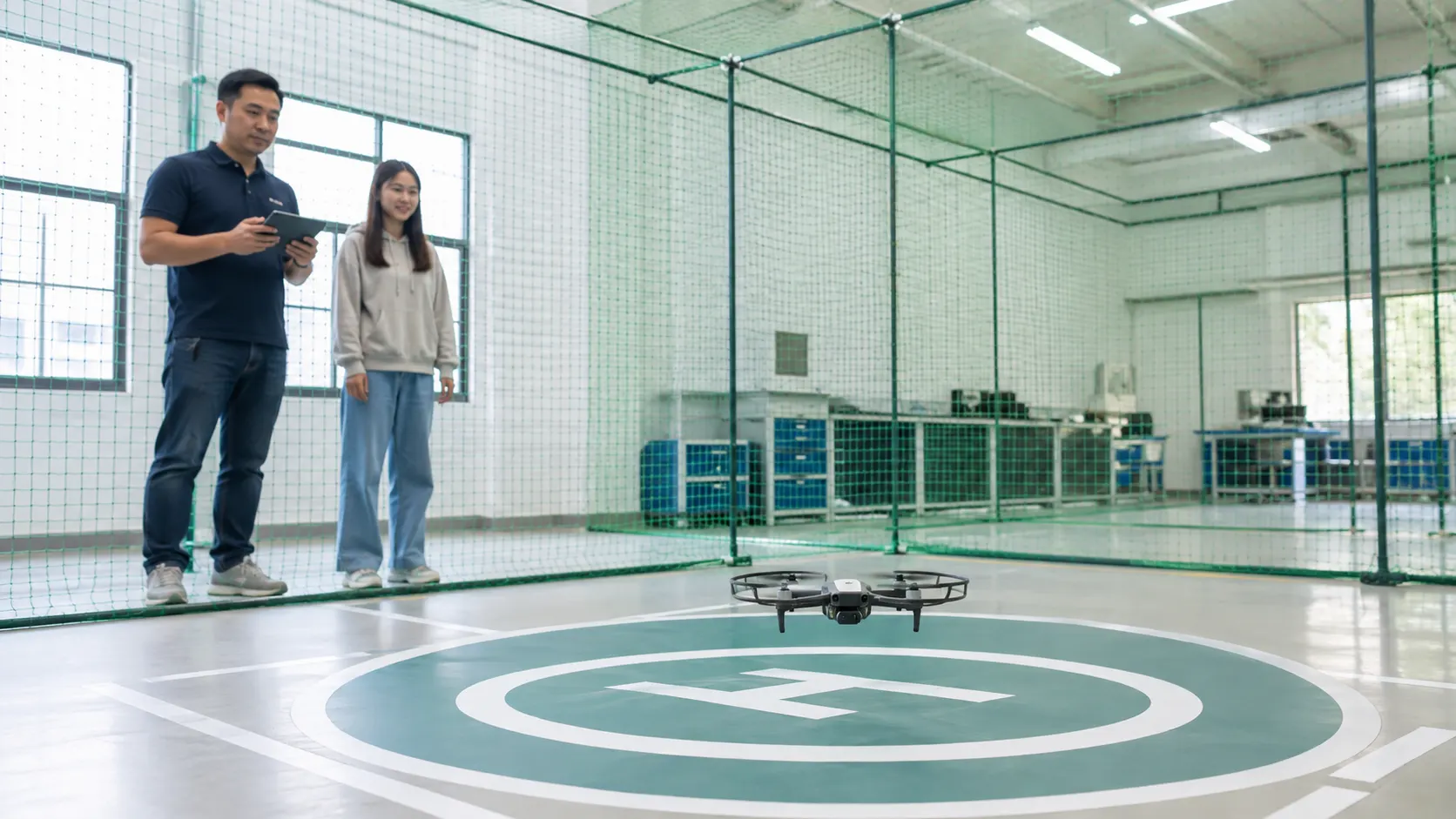
AI-generated conceptual illustration, not a screenshot or a device model confirmed to be supported
Commands that control the drone's movement. Every program must always start with Take off and end with Landing.
Take off
Take off
ConditionsMust be the first block, before any other flight command
Examplewhen clicked → Take off → …
Landing
Land
ConditionsMust always be present at the end of the program; otherwise the drone cannot land
Example… → Landing
Fly to [direction] with [n] cm Speed [v]%
Fly straight in the chosen direction for a distance of n cm
Conditionsv = 1-100% (100% = 1 m/s)
ExampleFly to Front 50cm Speed 50%
Turn to [Clockwise/Anticlockwise] with [n] degree
Rotate n degrees
Conditionsn = 0-360°, default 90°
ExampleTurn Clockwise 144°, used to make a 5-pointed star
Bounce up/down [n] times Height [h] cm
Bounce up and down n times
ConditionsMust be flying at least 1 m high; a negative h value = bounce downwards
ExampleBounce 3 times Height 50cm
[Clockwise/Counter] circle [n] times
Fly in a circle n times
ConditionsUse in an open area, away from people, with at least 30% battery
ExampleClockwise circle 2 times
Fly straight to coordinates [x][y][z] Speed [v]%
Fly straight to relative coordinates
ConditionsY=front(+)/back(-), X=right(+)/left(-)
ExampleFly to X100 Y100 Z100 Speed 100%
[Clockwise] Arc flight [x][y][z] Speed [v]%
Fly along an elliptical arc to the specified coordinates
ConditionsActual height must not exceed 300 cm
ExampleClockwise Arc flight X500 Y500 Z100
Flight lights (breathing / lantern / crush out / steady on / flash)
Control the lights during flight
ConditionsEmbedded in the white slot at the end of a flight block; the lights follow the duration of that flight
ExampleTake off with yellow lights (steady on)
ReferencesParaphrased and categorised from the Hula User Manual (HighGreat) to fit the theme and icon set of this knowledge base. Parameter data and limitations follow the user manual; please verify against the app version you actually use.
How to cite this page
Drone Institute, Rangsit University. (2026). Flight order. In UAS Technology Knowledge Hub (B.Tech.). https://rsu-uat.pk-research.work/en/kb/hula/flight/