Control the flow of a program: delays, loops, conditions and stopping scripts. Covers 7 blocks: wait [n] seconds, Repeat [n] times, Forever, if [] then, Wait until [condition], repeat until [], etc., with their function, conditions and usage examples
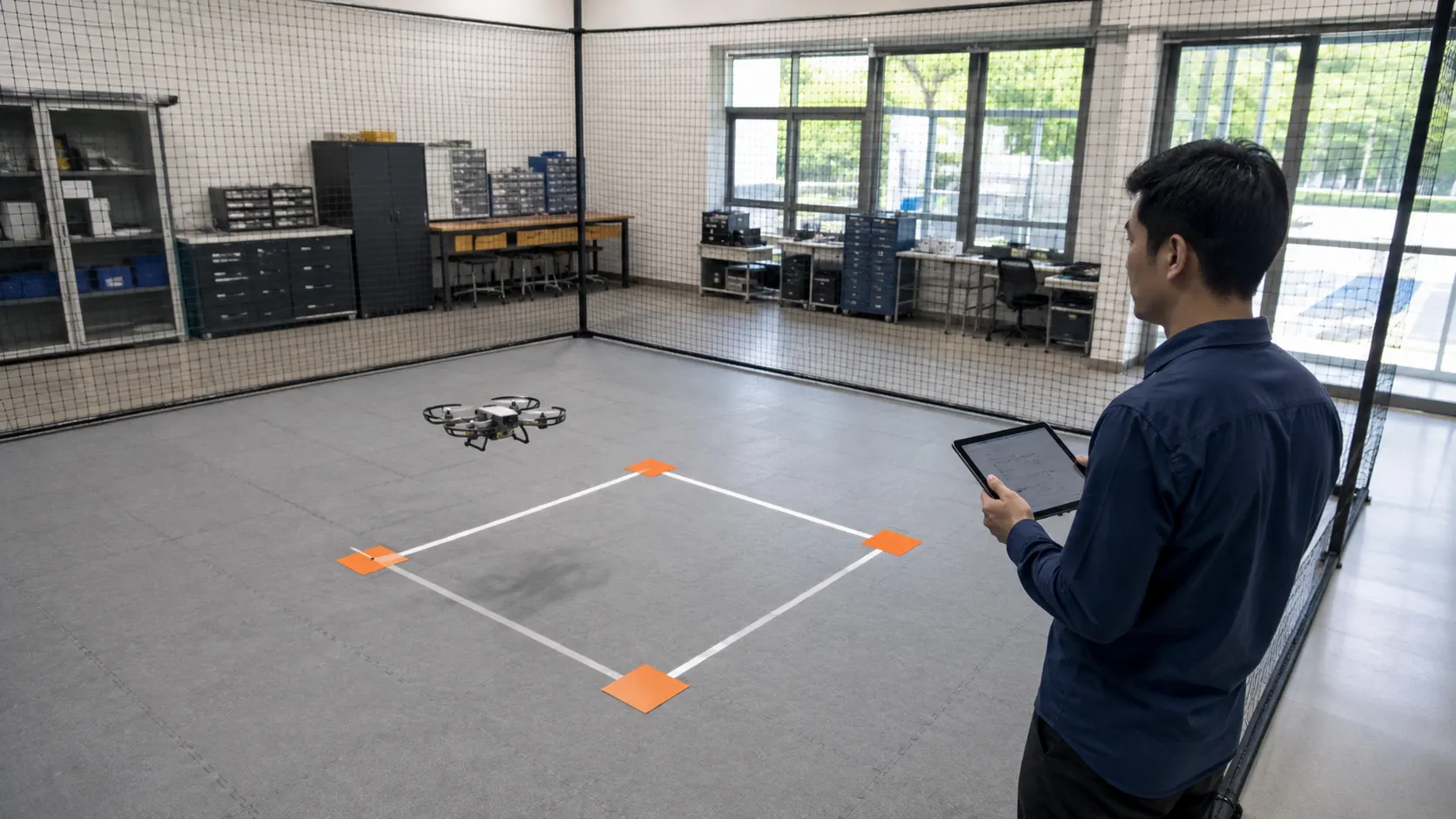
Conceptual illustration generated with AI; not a screenshot or a confirmed supported device model
Control the flow of a program: delays, loops, conditions and stopping scripts
wait [n] seconds
Delay before the next command
Examplewait 1 second until obstacle avoidance is complete
Repeat [n] times
Repeat the enclosed commands n times
ExampleRepeat 5 times { Fly 50cm → Turn CW 144° } → a five-pointed star
Forever
Loop forever
ExampleForever → one-way lasing
if [] then
Execute if the condition is true
ConditionUse together with blocks from the Operators/Sensor categories
Exampleif obstacle Front then Turn 90°
Wait until [condition]
Pause until the condition becomes true, then continue
ExampleWait until battery < 20%
repeat until []
Loop until the condition becomes true, then exit the loop
stop [this script / all scripts]
Stop this script, or stop all running threads
ConditionCan be used to stop an endless laser-firing loop
Examplestop all scripts when another key is pressed
ReferenceParaphrased and categorised from the Hula User Manual (HighGreat) to fit the theme and icon set of this knowledge base. Parameter data and limitations follow the user manual; please verify against the app version you actually use.
How to cite this page
Drone Institute, Rangsit University. (2026). Control. In UAS Technology Knowledge Hub (B.Tech.). https://rsu-uat.pk-research.work/en/kb/hula/control/