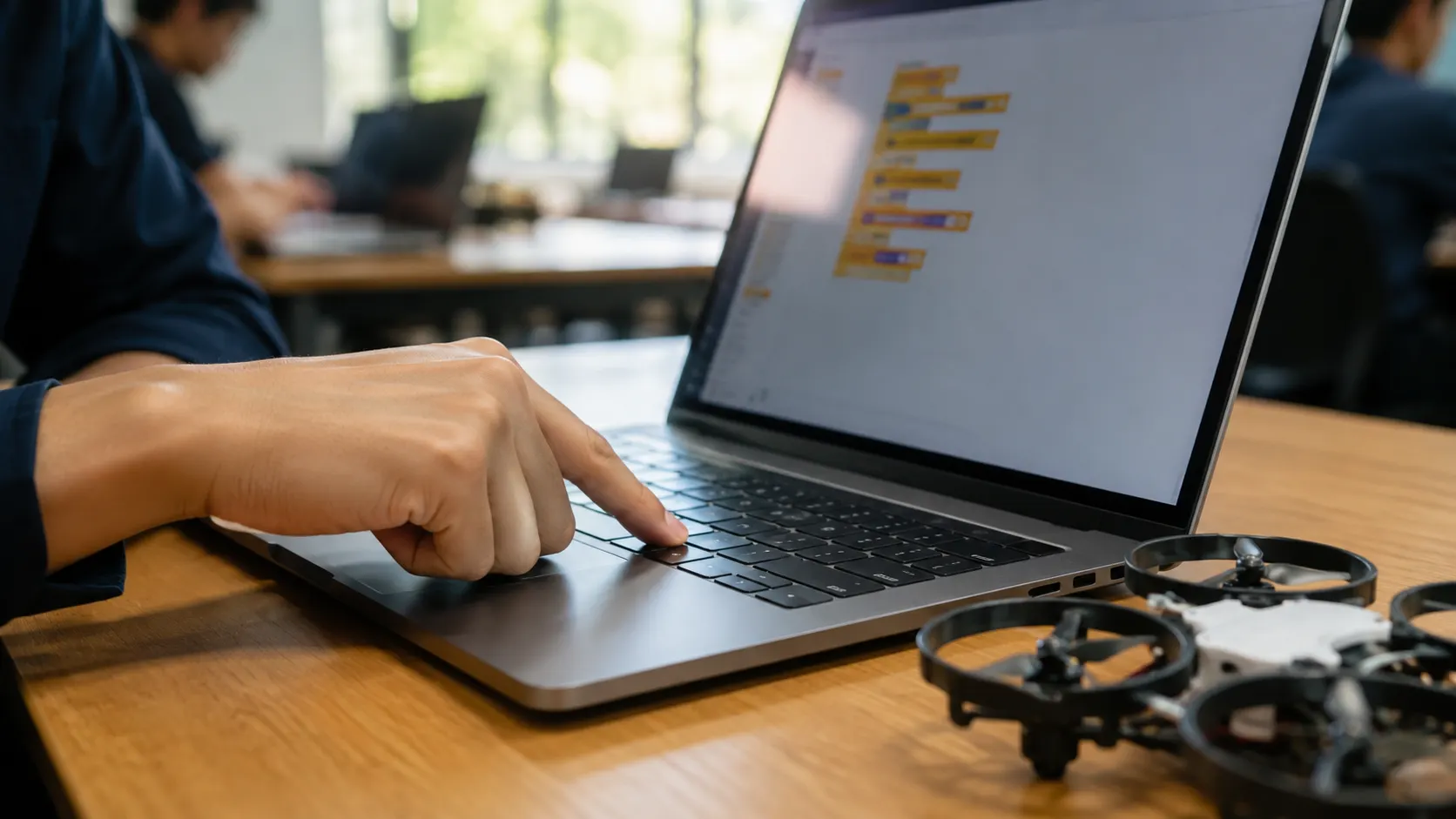
The starting point of a script, every program must have at least one block from this category, 4 blocks in total: when [▶] clicked, when [space] key pressed, when I receive [message], broadcast [message], with their functions, conditions and usage examples
AI-generated conceptual illustration; not a screenshot or a confirmed supported device model
The starting point of a script, every program must have at least one block from this category
when [▶] clicked
Starts the program when the play button is clicked
ConditionsUsually the very first block of every program
Examplewhen clicked → Take off
when [space] key pressed
Starts running when the specified key is pressed
Examplewhen [space] key pressed → Lasing
when I receive [message]
Runs when the specified message is received
ConditionsUsed together with broadcast
Examplewhen I receive [message1] → Lasing
broadcast [message]
Sends a message that triggers other 'when I receive' blocks
ConditionsChoose a name from the dropdown or create a new one
ExampleTake off → broadcast [message1]
ReferenceParaphrased and categorised from the Hula User Manual (HighGreat) to fit the theme and icon set of this knowledge base, parameter information and limitations follow the user manual; please verify against the app version you actually use
How to cite this page
Drone Institute, Rangsit University. (2026). Events. In UAS Technology Knowledge Hub (B.Tech.). https://rsu-uat.pk-research.work/en/kb/hula/events/