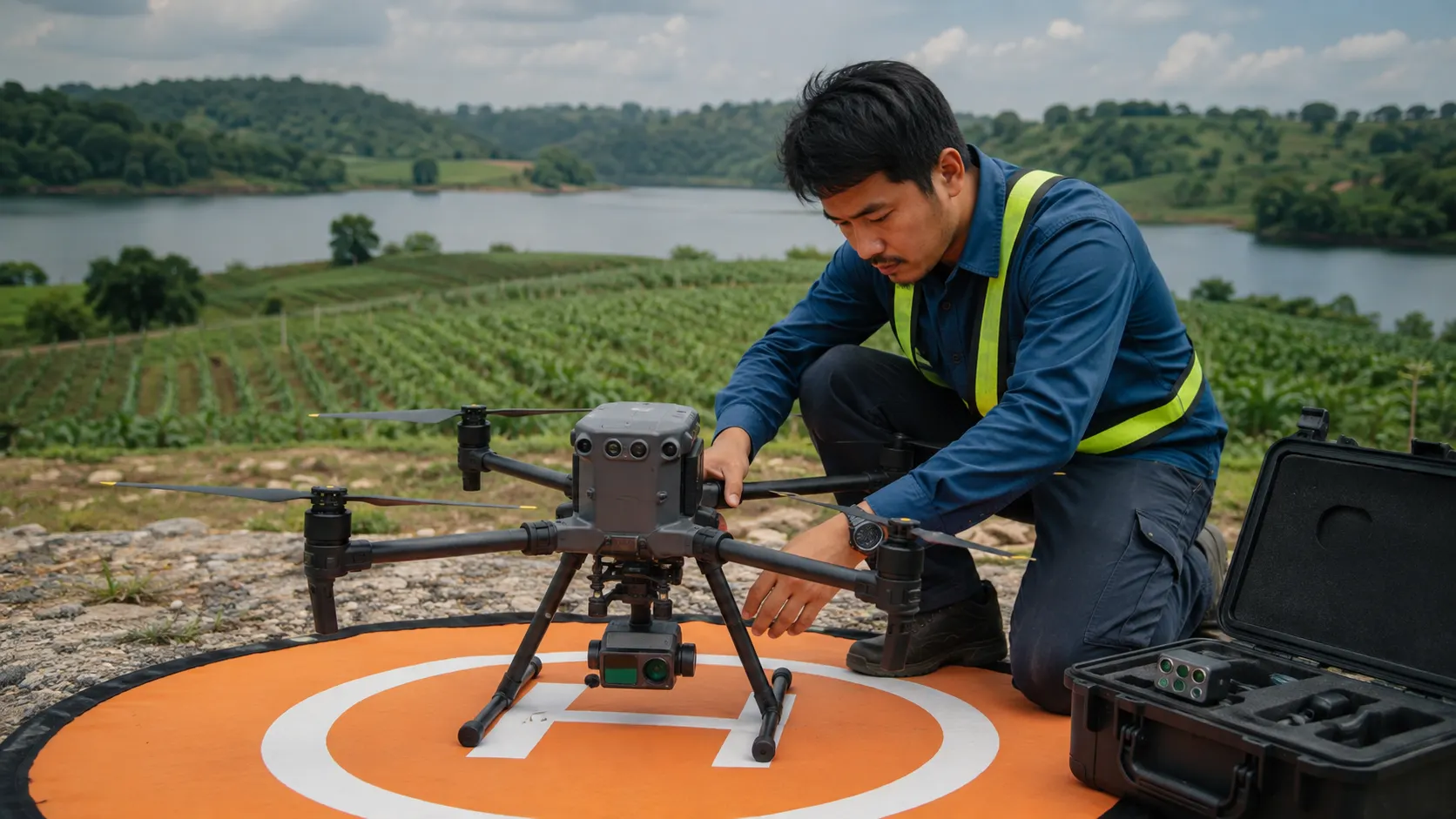
Control the camera, gimbal and video recording, 3 blocks in total: Gimbal head to [Top/Bottom] [n] degree, Gimbal reset, [Start/Stop] shoot video, with their functions, conditions and usage examples
Conceptual illustration generated with AI, not a screenshot or an equipment model with confirmed support
Control the camera, gimbal and video recording
Gimbal head to [Top/Bottom] [n] degree
Adjust the camera/gimbal angle
ExampleGimbal head to Top 30°
Gimbal reset
Reset the gimbal to horizontal
ConditionsNot supported in SIM
ExampleGimbal reset → Gimbal head to Top 30°
[Start/Stop] shoot video
Start/stop video recording
ConditionsMaximum 8 minutes per recording; a Stop must always be paired with a Start
ExampleStart shoot video → … → Stop shoot video
ReferenceTranscribed and categorized from the Hula User Manual (HighGreat) to fit the theme and icon set of this knowledge base, parameter data and limitations follow the user manual; please check against the app version actually in use
How to cite this page
Drone Institute, Rangsit University. (2026). Multimedia. In UAS Technology Knowledge Hub (B.Tech.). https://rsu-uat.pk-research.work/en/kb/hula/multimedia/